
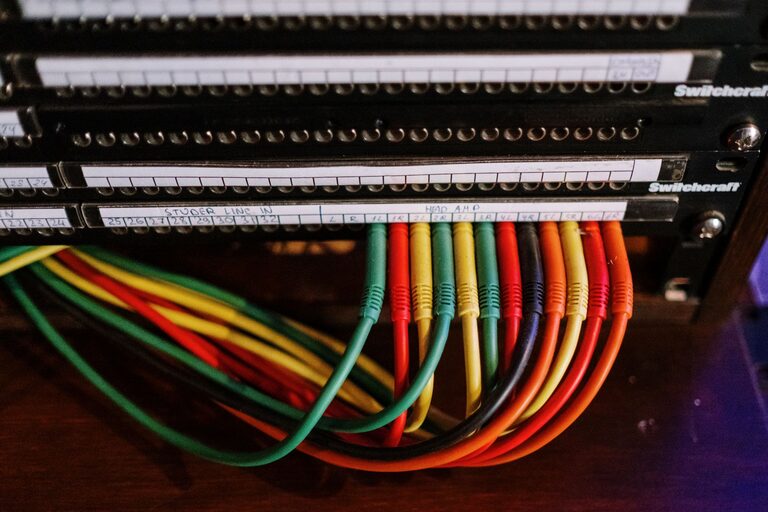
How to Organize Cables and Chargers Neatly for a Tidy Space
Keeping cables and chargers organized can transform your workspace or living area from chaotic to clean and efficient. Whether you have a few essential cords or a drawer full of tangled wires, implementing simple organization techniques can save time, reduce frustration, and protect your electronic devices. In this post, we’ll explore practical tips and ideas to help you manage your cables and chargers neatly.
Why Organizing Cables Matters
Before diving into methods, it’s helpful to understand why cable organization is beneficial:
– Easier access: Finding the right charger or cable quickly saves time.
– Prevents damage: Properly stored cables are less likely to get frayed or broken.
– Reduces clutter: A neat space feels more inviting and less stressful.
– Improves safety: Organized cables reduce tripping hazards and fire risks.
Now, let’s look at how you can achieve these benefits with proactive organization.
Assess Your Cable Collection
Start by gathering all your cables, chargers, adapters, and power strips. Sort them into categories such as:
– Phone chargers
– Laptop cables
– Audio cables
– USB cords
– Power adapters
During this step, check for damaged or unused cables. Consider recycling or donating those you no longer need to avoid hoarding unnecessary items.
Tools and Supplies to Help Organize
Having the right accessories can make cable management simple:
– Cable ties or twist ties: Reusable or disposable ties to bundle cables.
– Velcro straps: Adjustable and reusable, great for frequent use.
– Cable clips: Stick-on clips to hold cables on desks or walls.
– Cable sleeves: Flexible tubes to group multiple cables together.
– Drawer organizers: Compartments to separate cables and chargers.
– Labels or tags: To identify cables at a glance.
Tips for Cable Organization at Home or Office
1. Label Your Cables
Use small labels or tags to mark each cable’s purpose. This way, you won’t waste time guessing which charger belongs to which device.
2. Use Velcro Straps to Bundle Cables
Wrap cables with Velcro straps to keep them coiled without tangling. This method works well for cables you don’t use daily but want to keep accessible.
3. Create a Charging Station
Designate a spot for charging devices—a charging station with a power strip and cable management can keep cords neat and devices charged.
4. Utilize Cable Clips and Holders
Attach cable clips to the edge of your desk or a nearby surface to prevent cables from slipping down or getting tangled.
5. Store Spare Cables in Clear Containers or Drawers
Keep extra cables in labeled boxes or drawer organizers so they’re easy to find when needed but out of the way.
6. Use Cable Sleeves for Multiple Cords
If you have many cables running in the same direction, group them with a cable sleeve for a cleaner look and fewer knots.
Organizing Cables While Traveling
Travelers often struggle with tangled cords. Here are some quick tips:
– Use a small pouch with compartments.
– Wrap each cable with a Velcro strap.
– Label cables with stickers.
– Keep chargers and cables in separate pouches.
Maintenance: Keep Your Setup Tidy Over Time
Organizing cables is not a one-time task. To maintain a neat setup:
– Regularly check and dispose of unused or broken cables.
– Re-tie and re-label cables as needed.
– Dust and clean cable organizers and charging stations.
Final Thoughts
Organized cables and chargers can make your daily routine smoother and your space more visually appealing. By sorting, labeling, and using the right tools, you can keep your cords neat and easy to find. Start small and build your system to fit your lifestyle—soon, tangled wires will be a thing of the past!
—
By following these tips, you can enjoy a clutter-free environment that supports your productivity and keeps your devices safe.
